

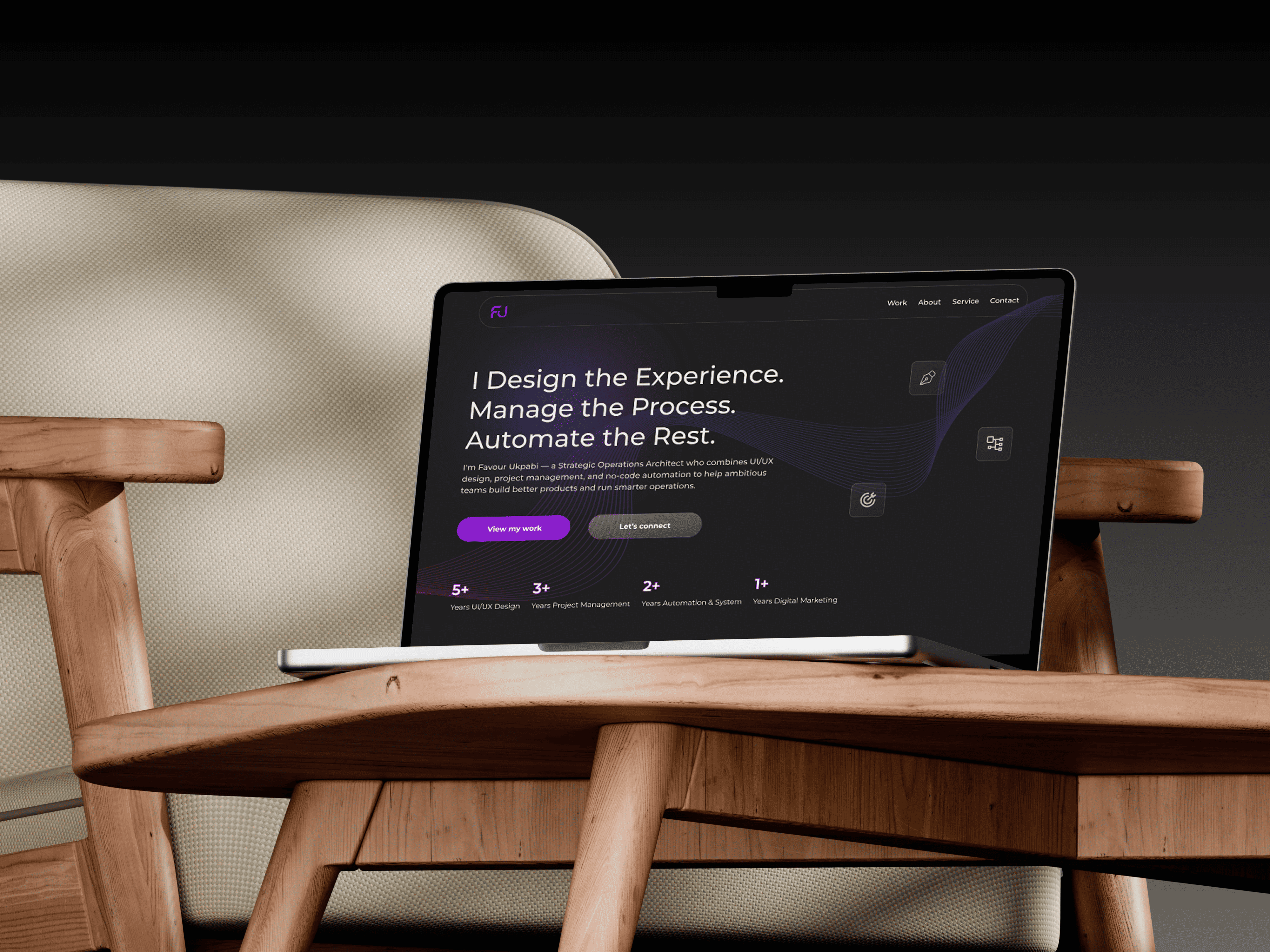
UI/UX Designer /WordPress Developer
8 Weeks
WordPress, Elementor Canvas, Nginx, PHP 8.1-FPM, Cloudflare, etc.
Figma, WordPress, Hello Elementor theme, etc
A portfolio website is supposed to do one thing: convert curiosity into conversation.
Most portfolios fail because they focus on listing skills rather than demonstrating how those skills create business value. A visitor can learn what someone has done from a resume. A portfolio should help them understand how that person thinks, solves problems, and approaches delivery.
At the time, I had accumulated experience across UI/UX design, project management, workflow automation, WordPress development, and digital marketing. The challenge was not a lack of experience. The challenge was presenting five distinct disciplines without creating confusion.
I was repositioning myself as a Strategic Operations Architect for international startups and remote-first companies. That positioning required more than a collection of project screenshots. It required a platform that could communicate strategic breadth while helping visitors quickly find the expertise most relevant to their needs.
The objective was to design a portfolio that could serve multiple audiences, demonstrate credibility through real work, and guide visitors toward meaningful conversations.
Before I opened Figma I mapped the three visitor types the site had to serve. The startup founder or hiring manager at a Series A to C company who needed one senior person to own outcomes across multiple functions. The early-stage freelance client who needed a specific deliverable fast and wanted someone who understood the brief without handholding. And the visitor who arrived at the wrong skill page first and needed to discover the full strategic range before they left. Three different intents. One architecture that had to serve all three.
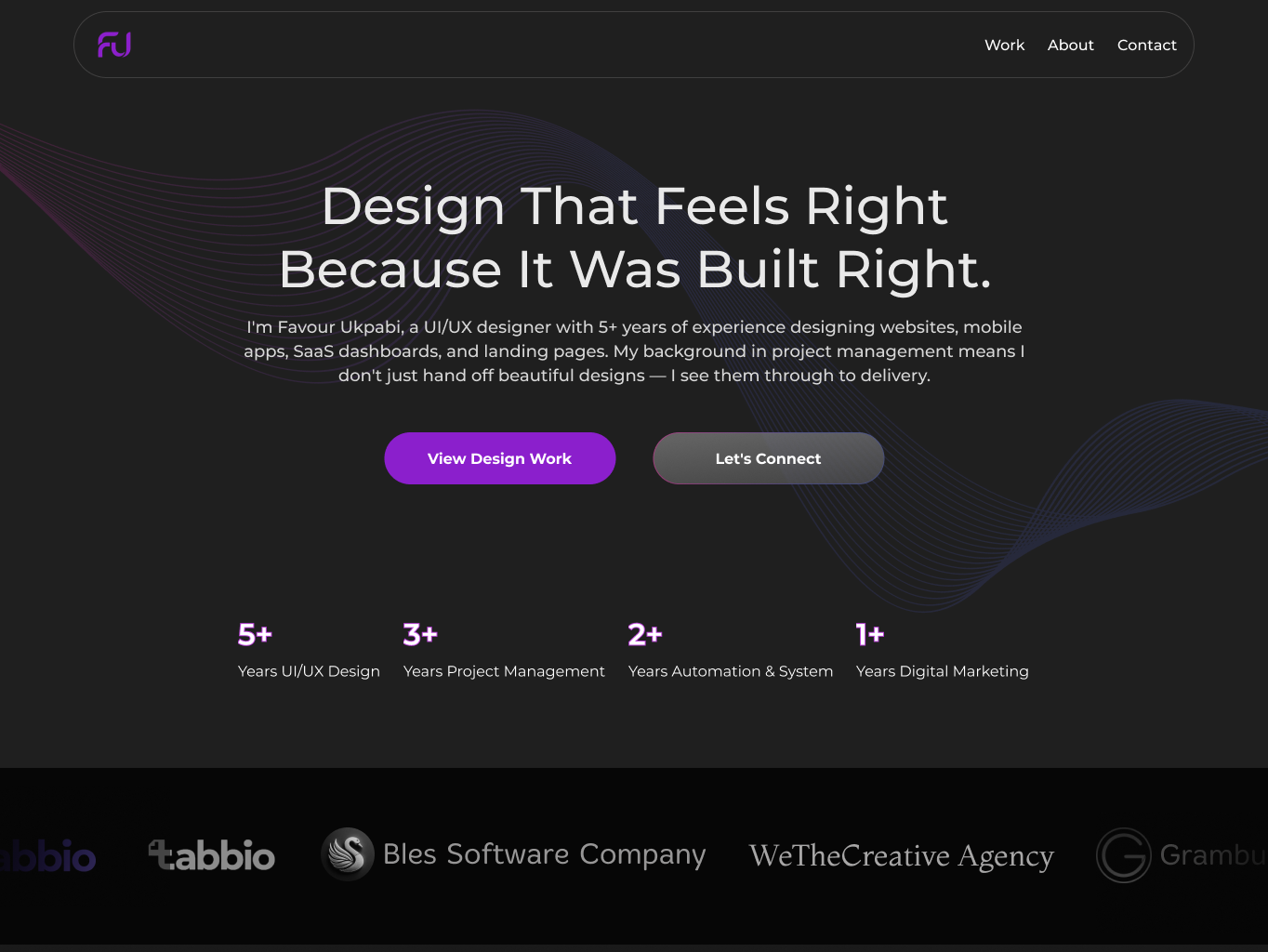
I designed the full site in Figma before opening Elementor. The global design system established DM Sans as the typeface throughout and a palette anchored on deep blacks with a purple accent at the primary call to action level. The restraint was deliberate: a designer’s portfolio that relies on colour to create visual interest is demonstrating decoration, not judgment. Every component — the hero, the stats bar, the skills cards, the case study grid, the testimonial carousel — was designed and approved in Figma before a single section was built in WordPress.
The site structure was a main landing page with four specialised skill subpages: UI/UX and WordPress Development, Operations Architect, Project Management, and Digital Marketing. Each subpage was built with its own case study structure and a direct contact call to action, so a visitor who arrived via a specific skill search landed in a page that spoke directly to that need. The homepage existed to establish the full strategic range and route each visitor type to the right subpage within the first scroll.
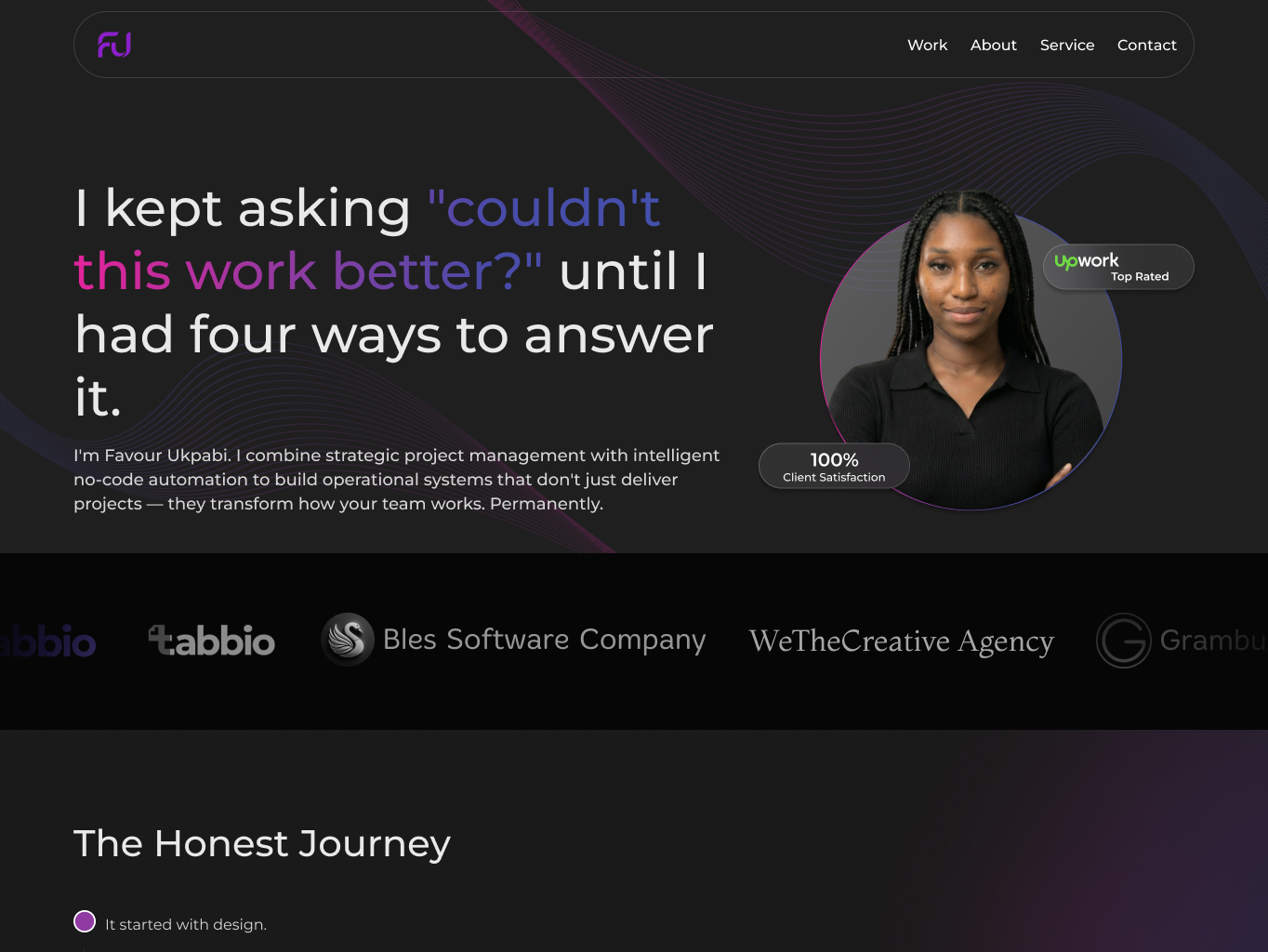
Every homepage section was sequenced to earn the next one. The hero established the positioning and value proposition in one sentence. The stats bar gave the credibility signal without requiring the visitor to read a paragraph. The skills section showed the range. The case study grid let the work do the talking. The testimonial carousel provided the social proof. Nothing existed without a job to do.
Several visual components exceeded Elementor’s native capabilities.
The floating hero animations, logo marquee, project grid interactions, gradient heading treatments, and advanced visual effects were built using custom HTML, CSS, and JavaScript rather than relying on additional plugins.
This approach reduced plugin dependency, improved performance, and provided greater control over the final experience.
The site was deployed on Oracle Cloud Infrastructure using a VM.Standard.E2.1.Micro instance running Nginx and PHP 8.1-FPM.
Cloudflare managed DNS and SSL, while a custom swap configuration was implemented to support Elementor’s memory requirements without upgrading the server instance.
The result was a fully self-hosted deployment with complete infrastructure control and no recurring hosting costs.
Many of the site’s advanced visual components could have been implemented using third-party plugins.
I deliberately chose custom HTML, CSS, and JavaScript instead.
Every plugin introduces additional maintenance, performance overhead, and potential compatibility issues. By building these components directly, I maintained tighter control over performance while reducing long-term technical debt.
A multi-disciplinary portfolio creates a common challenge: relevance.
A project management hiring manager does not want to navigate through design projects before finding what they need.
Creating dedicated skill pages allowed visitors to enter directly into the context most relevant to their interests while preserving the broader strategic narrative of the site.
Managed WordPress hosting would have simplified deployment.
I chose a self-hosted architecture because it provided full control over performance, security, deployment, and future scalability.
The setup required more effort initially, but it eliminated recurring hosting costs and ensured I understood every layer of the stack supporting the site.
Many portfolios rely heavily on skill lists and service descriptions.
I chose to let project work carry the majority of the credibility burden.
Real case studies provide evidence. They demonstrate process, decision-making, trade-offs, and outcomes in a way that service descriptions cannot.
The site was designed around that principle.
The deployed site gave me what the previous scattered digital presence could not: a single destination that communicated the full strategic range clearly, routed each visitor type to the right skill context immediately, and presented the case studies in a format rigorous enough to satisfy a hiring manager evaluating a senior remote hire. A visitor looking for a project manager found Grambutler and Sepow. A visitor looking for an automation specialist found the n8n deployment and the document approval workflow. A visitor who arrived with no specific brief found the full picture within one scroll and a clear path to the skill they needed most.
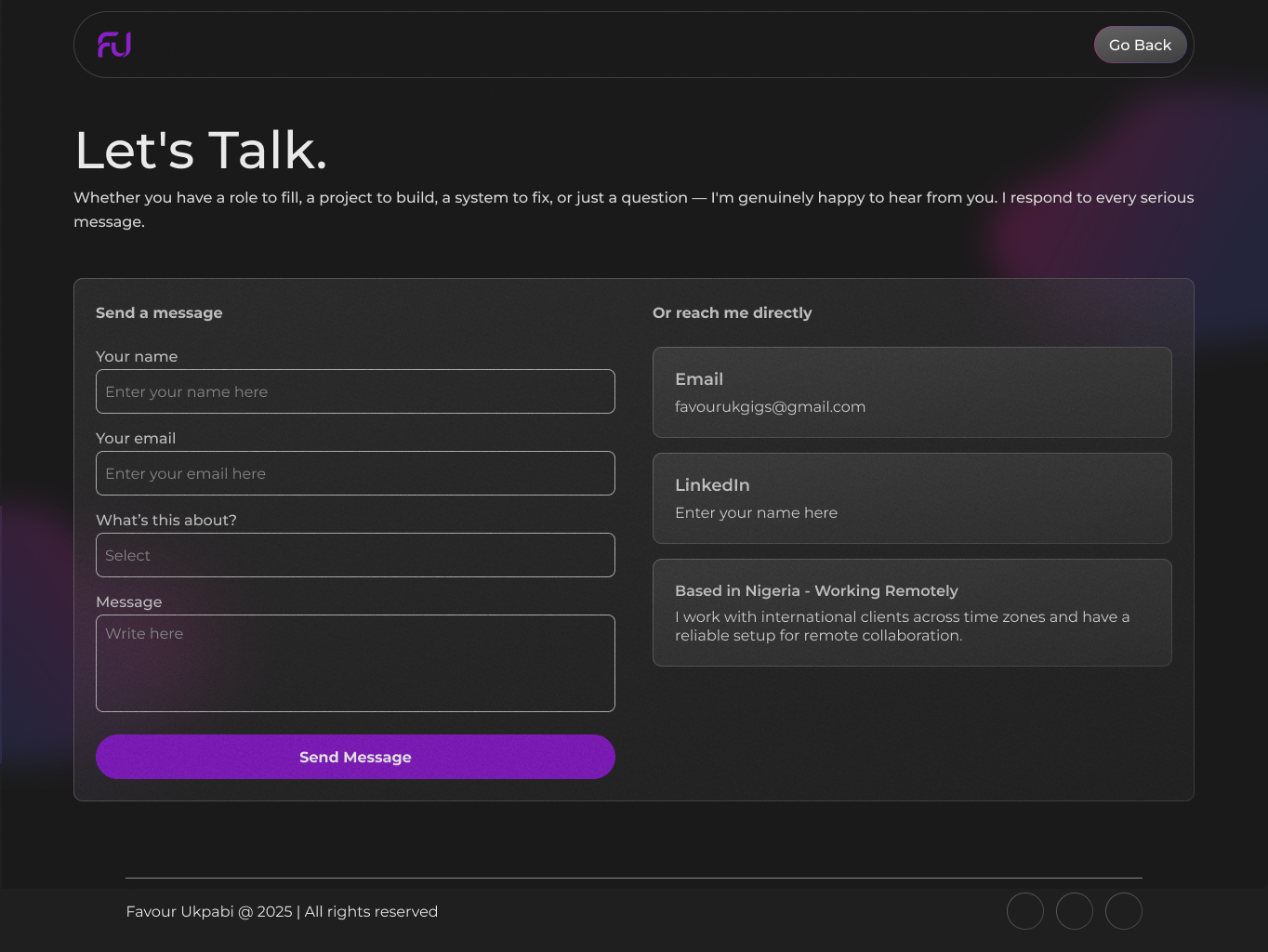
It does not need to be fully scoped. Tell me what you are working on and what you are trying to achieve, I will come back with an honest view of what is possible and how I would approach it.